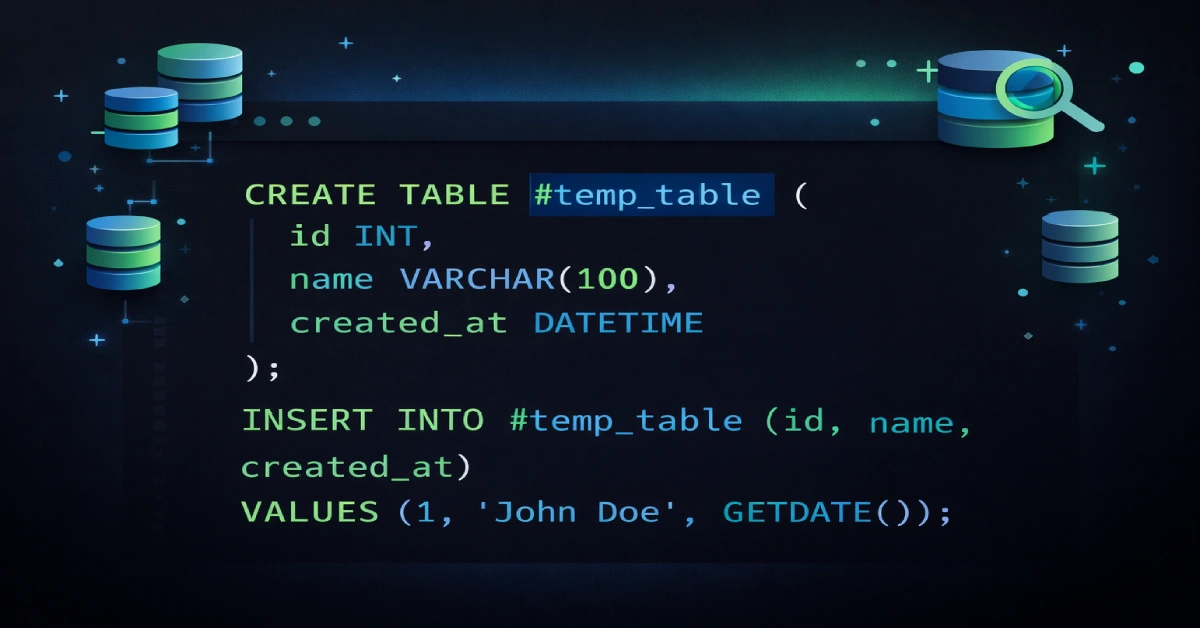
When you create new temp table sql structures, you’re setting up temporary storage that exists only during your database session. These tables help you break down complex queries, store intermediate results, and process data without cluttering your permanent database. Whether you’re working with SQL Server, PostgreSQL, MySQL, or Oracle, temporary tables offer a practical solution for handling multi-step data operations efficiently.
This guide walks you through the basics of creating temporary tables, explains syntax differences across database systems, and shows you when to use them versus other options like CTEs or table variables. You’ll learn creation methods, best practices for performance, and common mistakes to avoid. By the end, you’ll understand how to leverage temporary tables for ETL processes, complex calculations, and report generation.
What Temporary Tables Actually Do
Temporary tables store data that doesn’t need to stick around permanently. Think of them as scratch paper for your database—you use them to work through calculations, then they disappear when you’re done. SQL Server stores these tables in a special system database called tempdb, while PostgreSQL and MySQL handle them through their own temporary storage mechanisms. The main benefit is that your temporary work doesn’t interfere with production data or show up in other users’ sessions.
Session scope determines who can see your temporary table. Local temporary tables remain visible only to you—the connection that created them—providing complete isolation from other database users. This makes them perfect for calculations specific to your session or user-specific data processing. Global temporary tables let multiple database connections access the same shared data simultaneously, though the table disappears once the last session using it closes.
The automatic cleanup feature saves you from manual maintenance headaches. Once your database session ends, local temporary tables vanish automatically. This means you don’t have to remember to delete them, and they won’t pile up in your database over time.
Basic Syntax Differences
SQL Server uses a straightforward naming convention when you create new temp table sql objects. Local temporary tables need a single hash symbol (#) before the name, while global ones use double hashes (##). Here’s what a basic local temporary table looks like:
CREATE TABLE #customer_summary (
customer_id INT PRIMARY KEY,
total_orders INT,
last_purchase_date DATE
);
PostgreSQL and MySQL follow ANSI/ISO standards with the TEMPORARY or TEMP keyword instead. You don’t need hash symbols—just write the keyword before TABLE:
CREATE TEMPORARY TABLE customer_summary (
    customer_id INT,
    total_orders INT,
    last_purchase_date DATE
);
Oracle takes a different approach entirely. It uses GLOBAL TEMPORARY TABLE syntax where the table structure stays permanent but the data remains session-specific. You’ll also use an ON COMMIT clause to control whether data persists until the session ends or clears after each transaction.
Three Ways to Create Them
The standard CREATE TABLE method gives you full control over structure before adding any data. You define columns, data types, and constraints explicitly, then populate the table with INSERT statements afterward. This separation helps with error handling and lets you validate your structure before loading data.
SELECT INTO combines creation and population in one statement. SQL Server automatically determines column names and data types from your query results. For example, SELECT customer_id, customer_name INTO #active_customers FROM customers WHERE status = 'active' creates the temporary table and fills it with matching rows instantly. PostgreSQL and MySQL users accomplish the same thing with CREATE TEMPORARY TABLE AS SELECT syntax.
You can also populate temporary tables from CTE results when your logic gets complex. First create the table structure, then use INSERT INTO with your Common Table Expression. This approach separates complicated query logic from table creation, making your code easier to read and debug.
When to Use Indexes
Indexes dramatically speed up queries on temporary tables with large datasets. Without them, SQL Server reads every single row to find what it needs—that’s called a full table scan, and it’s slow. Indexes let the database jump straight to relevant rows, cutting down execution time significantly.
But timing matters. Always create indexes after you populate the temporary table, not before. When you index an empty table and then insert data, SQL Server has to update the index structure with every single insert operation. That’s wasteful. Instead, load all your data first, then build the index once on the complete dataset:
INSERT INTO #sales_data
SELECT region, product, amount FROM sales WHERE sale_date >= '2025-01-01';

CREATE INDEX idx_region ON #sales_data (region);
Focus your indexes on columns that appear in WHERE clauses, JOIN conditions, and ORDER BY statements. These are the columns your queries actually use to filter and sort data. Don’t go overboard with too many indexes though—they take up storage space and slow down data modifications.
Modifying Your Data
Standard UPDATE and DELETE statements work exactly the same on temporary tables as they do on permanent ones. You can change existing rows based on conditions:
UPDATE #order_summary
SET status = 'processed'
WHERE order_date < '2025-01-01';
DELETE operations remove unwanted rows using WHERE clauses to target specific records. If you need to clear all data from a temporary table but keep the structure intact, use TRUNCATE TABLE instead—it’s much faster than DELETE without a WHERE clause because it doesn’t log individual row deletions.
You can also join temporary tables with permanent tables in UPDATE and DELETE statements. This lets you apply business rules from your production tables to temporary data or remove rows based on related table conditions.
Joining with Permanent Tables
Temporary tables participate in JOIN operations just like regular tables. INNER JOIN returns matching rows from both tables, LEFT JOIN includes all rows from the temporary table plus matches from the permanent table, and you can use any other join type you need. The syntax doesn’t change at all—you just reference the temporary table name (with its # prefix in SQL Server):
SELECT t.order_id, c.customer_name, t.total_amount
FROM #temp_orders t
INNER JOIN customers c ON t.customer_id = c.customer_id;
Performance depends heavily on proper indexing. If you’re joining a large temporary table with a permanent table, create an index on the join column in your temporary table. This prevents full table scans and makes the join operation run much faster.
Temp Tables vs Other Options
Common Table Expressions (CTEs) define named subqueries within a single SQL statement. They’re great for improving readability and handling recursive operations. However, CTEs only exist during query execution—you can’t reference them in subsequent queries. When you need to use the same result set multiple times or you need indexes and statistics for performance, temporary tables work better.
Table variables (@TableName) offer another alternative for small datasets. They have less locking overhead than temporary tables but come with a major limitation—they don’t maintain statistics. The query optimizer assumes table variables contain only one row, which leads to terrible execution plans when they actually hold hundreds or thousands of rows. Use table variables only when you’re dealing with fewer than 100 rows.
Memory-optimized tables provide the highest performance but require SQL Server 2016 or later plus additional memory resources. They’re worth considering for high-concurrency workloads where many users need temporary storage simultaneously. For most everyday scenarios though, traditional temporary tables offer the best balance of simplicity and performance.
Real-World Use Cases
ETL processes rely heavily on temporary tables as staging areas. Raw data from external sources loads into a temporary table first, then goes through cleaning, validation, and transformation before reaching production tables. This multi-stage approach catches data quality issues early and keeps invalid records out of your permanent database.
Complex queries become much more manageable when you break them into steps using temporary tables. Each step materializes intermediate results that the next query builds on. Instead of one massive query that’s hard to understand and debug, you get a series of simple operations that you can test independently. This approach also lets you create indexes on intermediate results for better performance.
Report generation often requires multiple aggregation levels and calculations. Temporary tables let you pre-aggregate data once, then run several report queries against the same aggregated results without recomputing everything each time. This saves processing time and resources, especially for complex financial or analytical reports.
Common Mistakes to Avoid
Selecting unnecessary columns wastes I/O, CPU, and tempdb space. Every extra column increases the amount of data SQL Server must read, write, and process. Always use specific column names instead of SELECT * when you create new temp table sql structures, and add WHERE clauses to filter out rows you don’t need.
Creating indexes before populating temporary tables prevents accurate statistics generation. Statistics guide the query optimizer toward efficient execution plans, and without them, you get poor performance. Always populate first, then index.
Don’t force every query into temporary tables unnecessarily. The database optimizer handles many complex queries efficiently without intermediate materialization. Sometimes a simple CTE or subquery performs better than creating a temporary table, especially for one-time operations that don’t need multiple references.
Cleanup and Maintenance
Database systems automatically remove temporary tables when your session ends. Local temporary tables disappear immediately after you disconnect, while global ones stick around until the last session using them closes. This automatic cleanup prevents memory leaks and reduces maintenance work.
You can manually drop temporary tables with DROP TABLE statements. SQL Server 2016 and later support DROP TABLE IF EXISTS syntax to prevent errors if the table doesn’t exist. Manual cleanup releases tempdb resources immediately, which helps long-running processes that create many temporary tables. However, letting SQL Server handle cleanup automatically often performs better because it can reuse cached temporary table structures when the same stored procedure runs repeatedly.
Wrapping Up
Learning to create new temp table sql structures opens up powerful data processing techniques across all major database platforms. The syntax varies—SQL Server uses hash prefixes, PostgreSQL and MySQL use TEMPORARY keyword, and Oracle uses GLOBAL TEMPORARY—but the core concept remains consistent. Temporary tables excel at breaking down complex operations, storing intermediate results, and handling ETL workflows.
Success comes from understanding when temporary tables make sense versus alternatives like CTEs or table variables. Proper indexing after population, selecting only needed columns, and avoiding unnecessary materialization all contribute to optimal performance. Modern improvements like SQL Server 2025’s tempdb resource governance make temporary tables even more reliable for production workloads.